
Where the work lives

The Obsidian Portal™

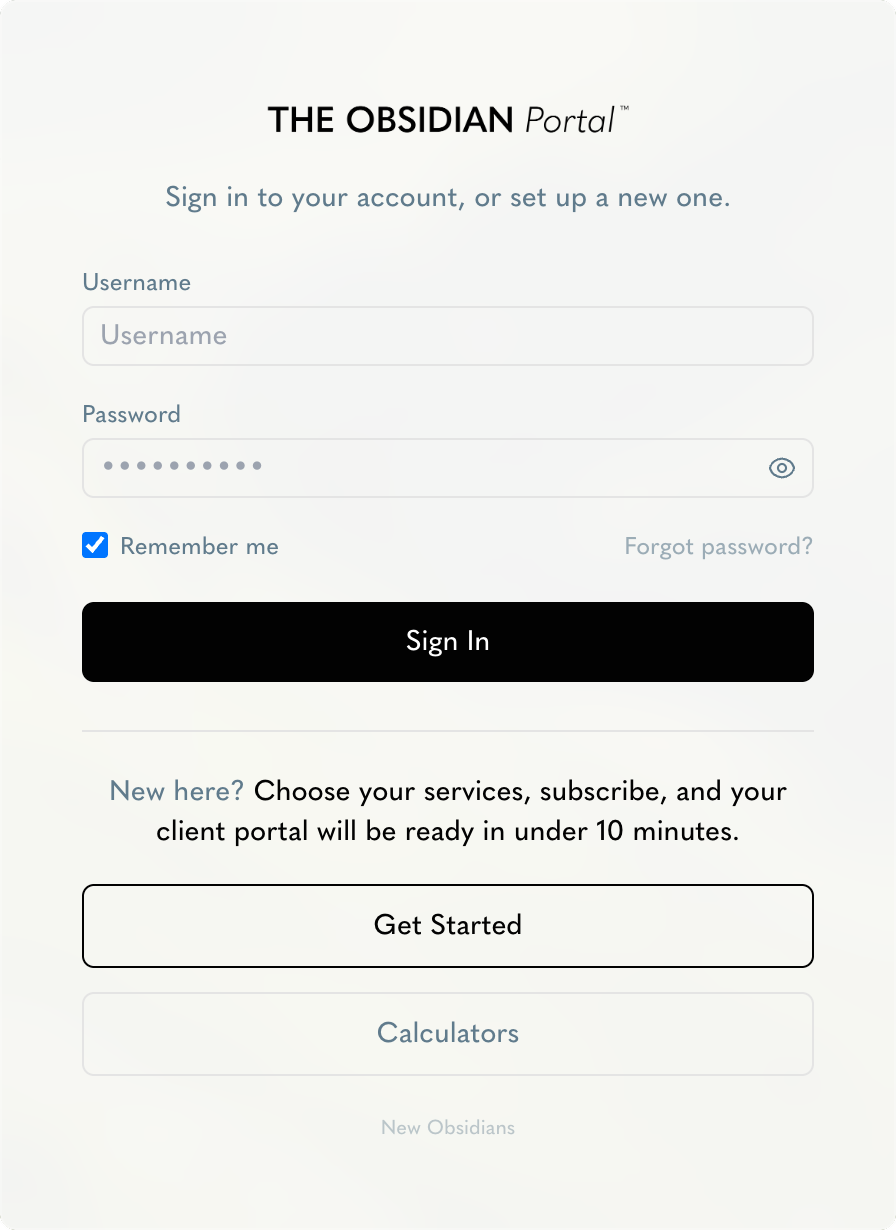
Everything we run for you, in one login. Your announcements, your agreement, your engine scored live, the content in production, and every task and meeting between us.

Features

What your portal does for you.

A live overview of your ecommerce performance, the work in progress and the decisions between us, in one login. Screens shown with a sample account, and any screen opens full size.

01

The Ecommerce Engine™

A live overview of your ecommerce performance, scored as we work. See exactly which campaign, page or email automation is limiting your growth. Every item is scored against its goal, grouped into Traffic, Website & Branding Performance and Customer Retention, and ranked so the biggest problem comes first.

  • Overall Engine Health™, total bottlenecks and KPIs needing attention
  • Each pillar opens into its campaigns, landing pages and email automations
  • Every item opens into its KPIs, its status and what happens next
02

My Announcements

The first screen after you sign in. Whenever a task is added or updated for you it appears here, and you mark each one as read once you have seen it.

  • An unread count on the menu, so nothing slips past
  • Filter to show only new notifications
  • Every entry typed, dated and given a status
03

The Agreement

Everything on your plan, priced out, including how many campaigns, landing pages and email automations can be active at once. Quoted and charged in the currency of your billing region.

  • Company details, website, target customers and target countries
  • Company overview: stage, revenue, target revenue, average order value, margin and customer lifespan
  • Your primary goal, your main challenge and your 3-year vision
  • Change your plan, add a service or cancel your subscription, from the same screen
04

The Content

Every piece of content the creative team produces draws from a monthly credit plan. Overuse on revisions or the calendar carries into next month's balance, so nothing is a surprise.

  • Available, purchased and carried forward credits, month by month
  • Revision credits and calendar credits used
  • The Content Credit Guide, explaining what each credit covers
  • The latest content calendars, ready to preview or download
05

The Tasks & Meetings

Action items logged from our meetings with you, plus your upcoming Client Success meetings, on one calendar.

  • Tasks done, not started, in progress and late
  • Schedule a meeting with your Client Success Manager in one click
  • Task deadlines and meetings on the same calendar
06

The FAQs

A walkthrough of the portal to watch anytime for a refresher, plus answers to the questions clients ask most.

  • The portal walkthrough video
  • Frequently asked questions, kept in one place
07

Your Profile

Manage your personal details and password, and choose which updates reach your inbox.

  • Photo, position, phone, email and timezone
  • Email notifications by category: agreement changes, new tasks, engine updates and new FAQs
  • Or switch notifications off entirely

How you get in

From sign up to your first login.

  1. 01

    Create your account

    Choose your region and your services, subscribe, then add your details and your company.

  2. 02

    It reaches our team

    Everything you submit lands with us in one place, ready to act on.

  3. 03

    The initiation meeting

    We go through the business, the goals and the numbers with you.

  4. 04

    We build your engine by hand

    Assembled around your industry and what your store actually needs, never a template.

  5. 05

    Your credentials arrive

    You log in at the kickoff meeting, and everything is already there.

Your portal opens at the kickoff meeting.

Start with the free 4-week trial. No fee, no contract, and no obligation at the end of it.